Creating Vendors in Sage 300 and Syncing to Ramp with AnyWare Apps Integration

Sage 300 User Guide: Creating Vendors in Sage 300 and Syncing to Ramp with AnyWare Apps Integration

Step 1: Create the Vendor in Sage 300

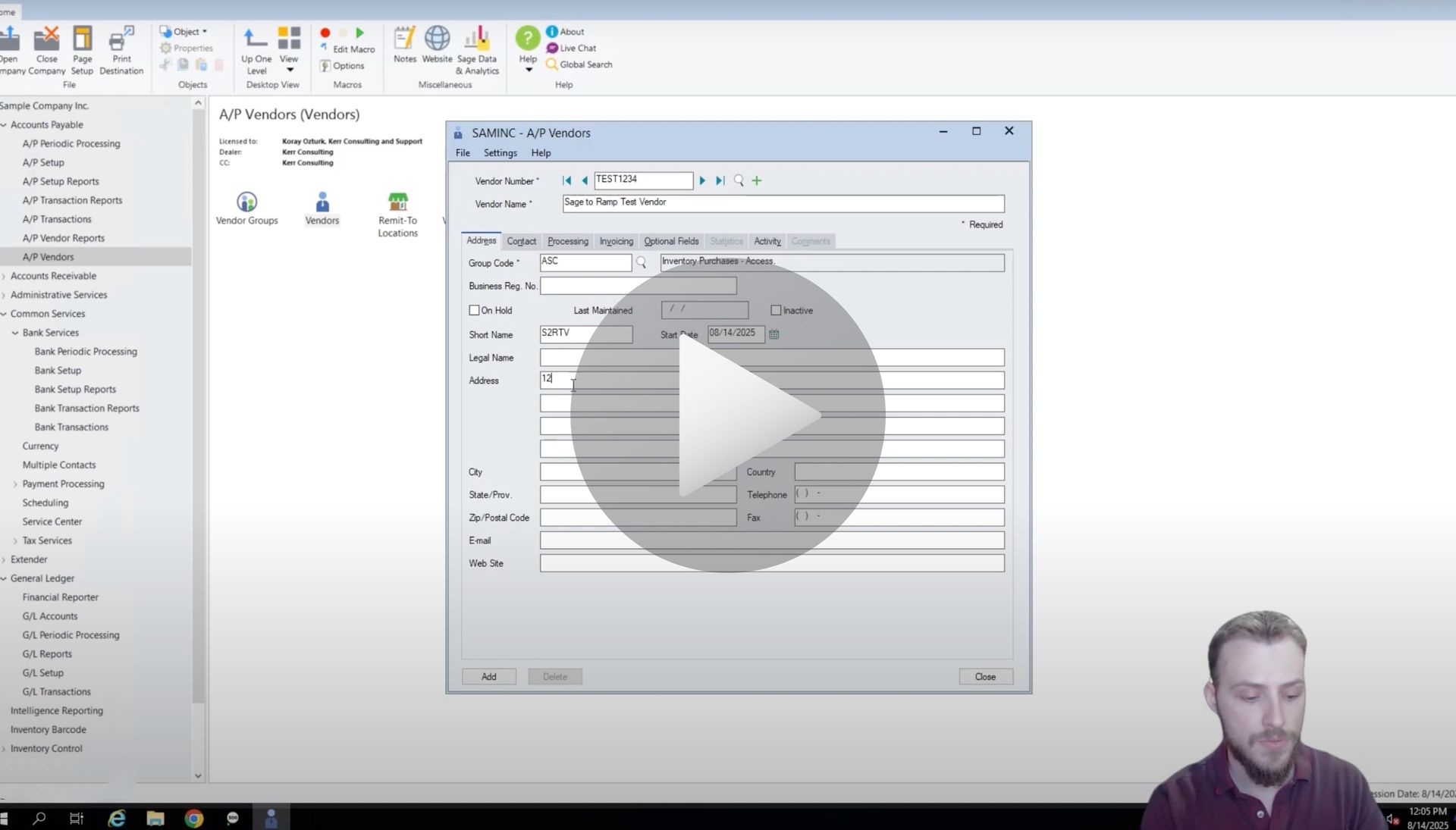
Start in the Sage 300 interface and navigate to Vendors.
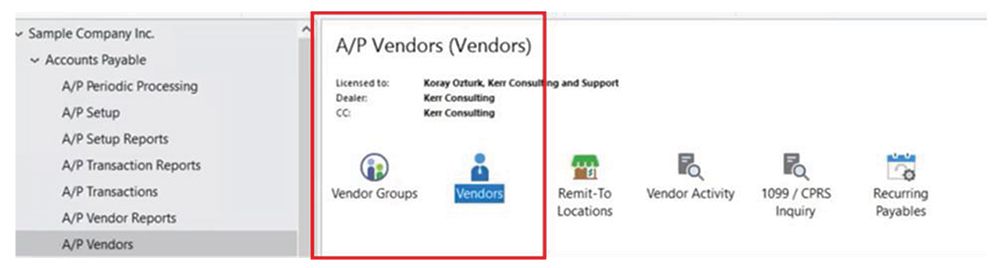
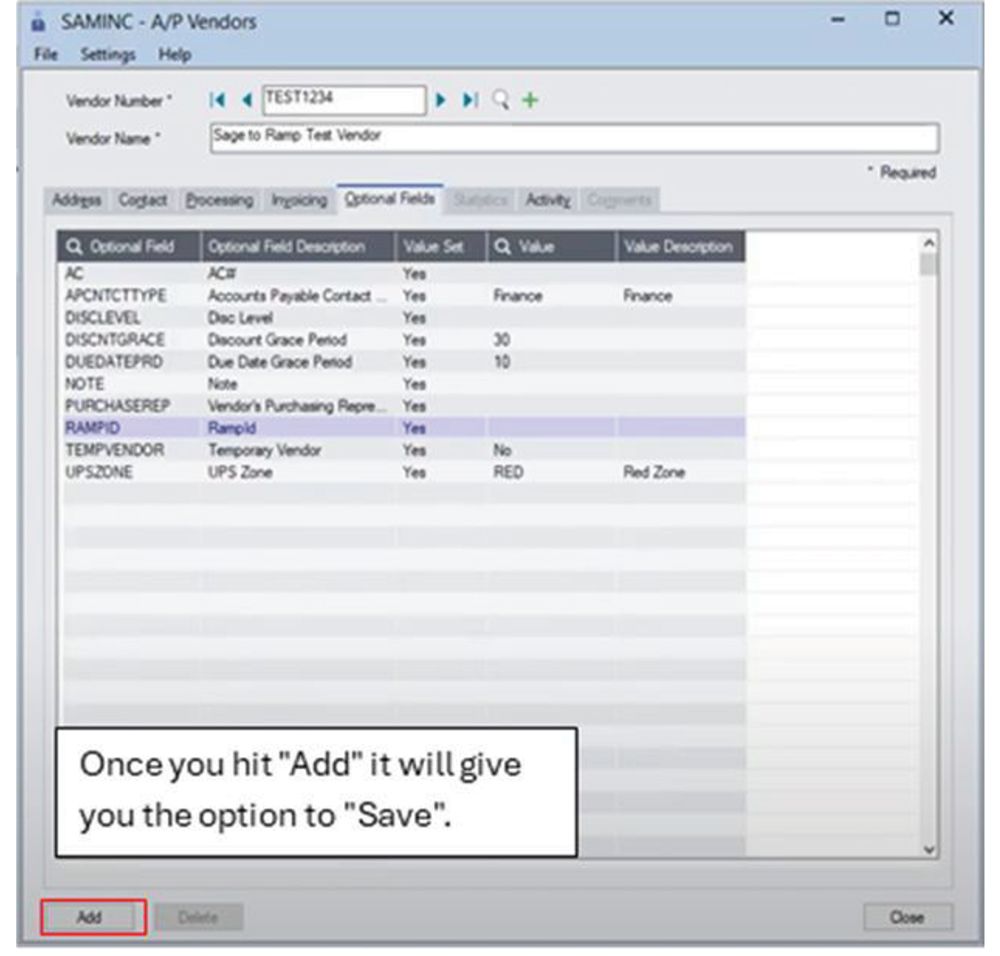
Create vendor in Sage 300 A/P Vendors screen capture

From there:

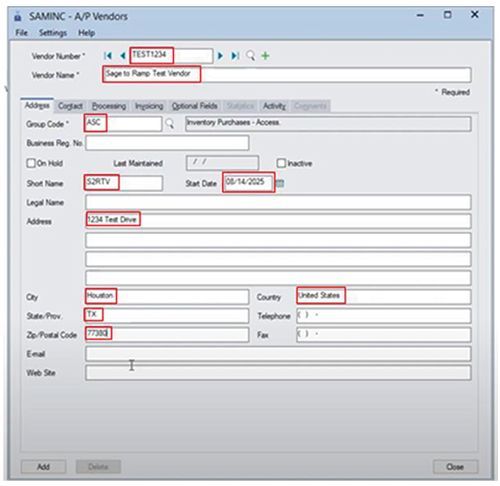
  1. Enter the Vendor Number and Vendor Name — in this case, “Sage to RAMP Test Vendor.”
  2. Select a Group Code and fill out the Short Name.
  3. Add the Address, including street, city, state (in two-letter format), and postal code.
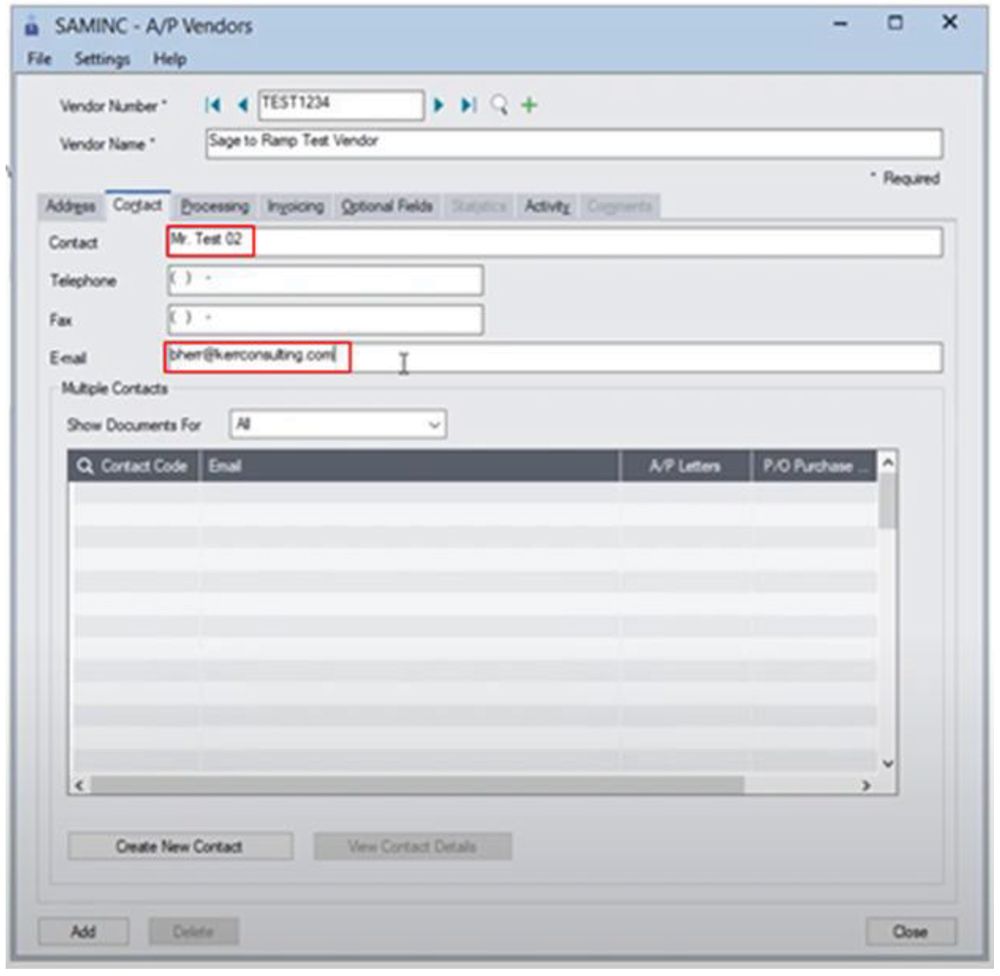
4. Complete the Contact section, including the contact name and email.
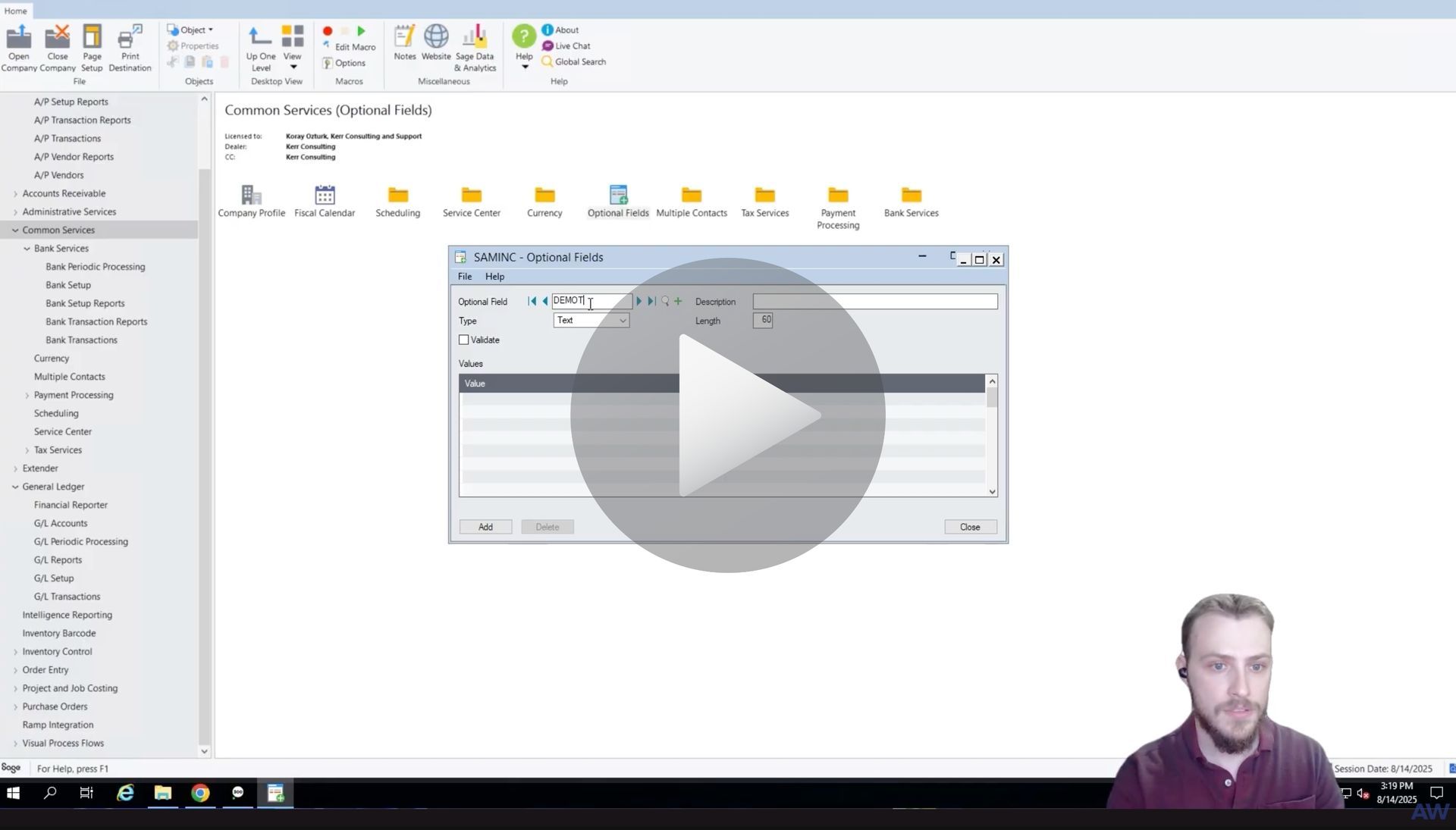
5. Add an Optional Field called RAMP ID. Leave the value blank so the system knows to generate and sync the RAMP ID automatically.
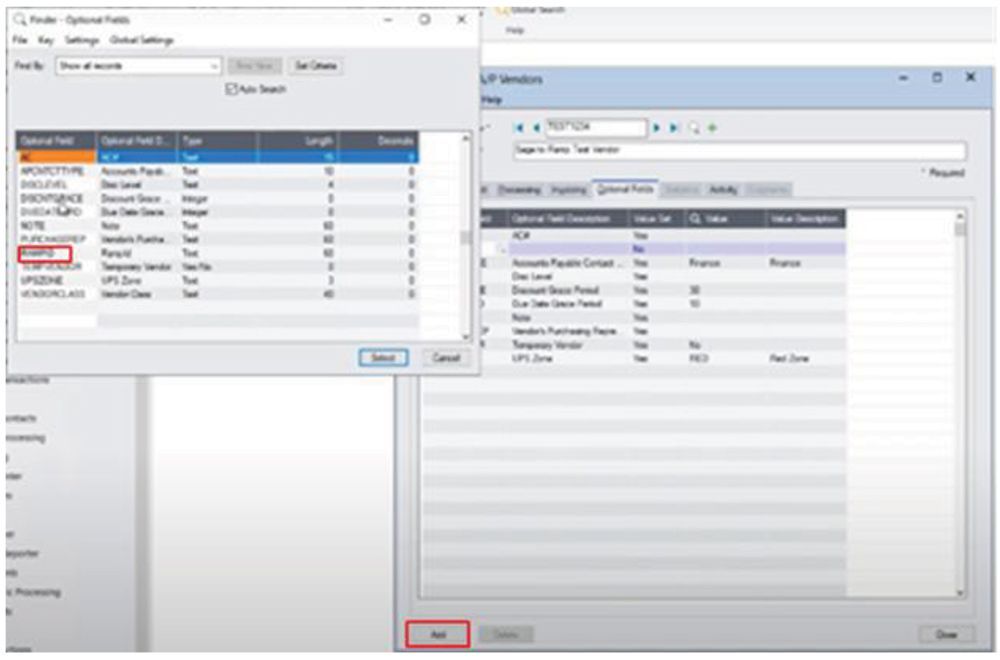
6. Click Add and Save to finish creating the vendor.
Step 2: View the Vendor in RAMP

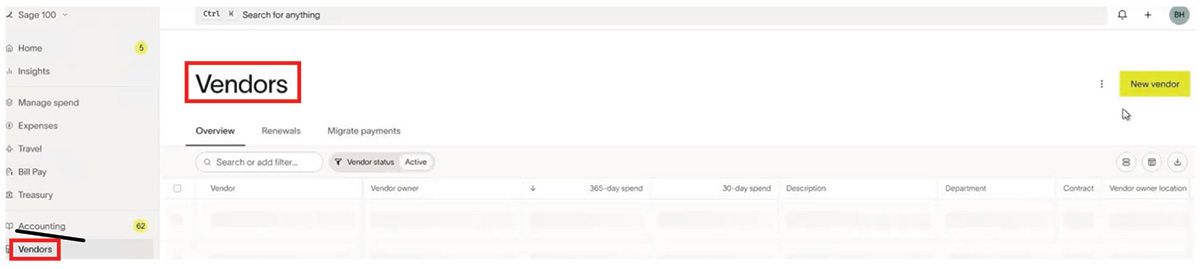
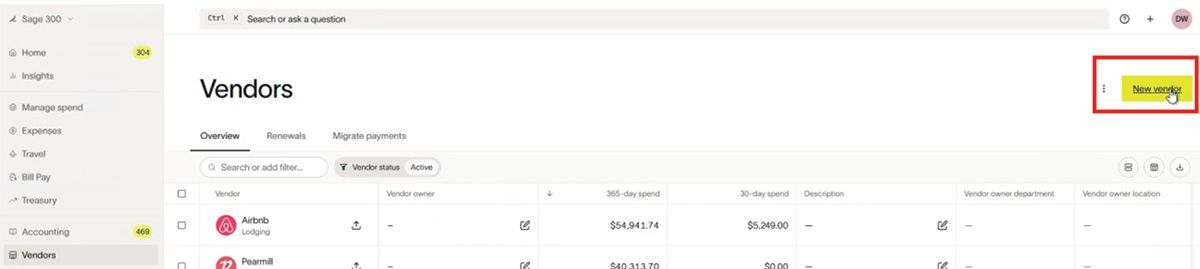
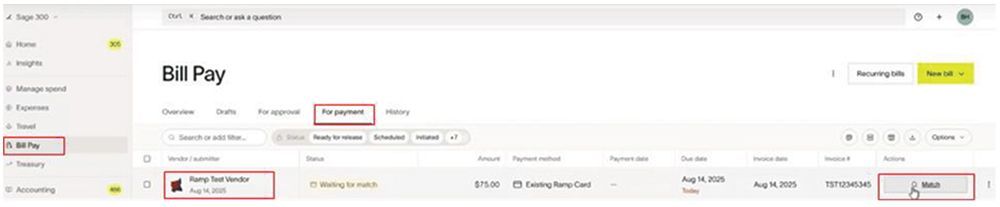
Next, switch over to RAMP and open the Vendors section. Search for the vendor you just created — you’ll see that the record has synced from Sage 300.
When you open it, you’ll find all the details carried over:

  • Contact name and email
  • Address information
  • Payment and tax details

Everything you entered in Sage 300 is now visible and ready to use in RAMP.

Why It Matters

This simple workflow eliminates double data entry, reduces vendor setup errors, and keeps your accounting systems in perfect sync. The AnyWare Apps Connector makes it easy to maintain clean, consistent vendor records across Sage 300 and RAMP — automatically.

Articles 📑

February 20, 2026
Creating a Bill & Syncing for Ramp to Sage 100 with AnyWare Apps Integration
February 20, 2026
Sage 100 User Guide: Syncing Credit Card Transactions for Ramp to Sage 100 with AnyWare Apps Integration
February 2, 2026
Sage 100 User Guide: Syncing Payments for Ramp to Sage 100 with AnyWare Apps Integration
February 2, 2026
Sage 100 User Guide: Syncing Reimbursements for Ramp to Sage 100 with AnyWare Apps Integration
February 2, 2026
User Guide
February 2, 2026
Sage 100 User Guide: Creating & Syncing a Vendor for Ramp to Sage 100 with AnyWare Apps Integration
December 29, 2025
Sage 300 User Guide: How to Create a Vendor in Ramp and Sync to Sage 300 ERP
December 29, 2025
Sage 300 User Guide: Create and sync a bill from Ramp spend management software to Sage 300 ERP via the AnyWare Apps connector
December 29, 2025
Sage 300 User Guide: How to Sync Ramp Credit Card Transactions to Sage 300 ERP Automatically with AnyWare Apps Integration
November 24, 2025
Sage 300 User Guide: How to Edit a GL Account in Sage 300 and Sync Changes to RAMP with AnyWare Apps Connector
November 24, 2025
Sage 300 User Guide: How to Process Manual Payments in Sage 300 and RAMP Simultaneously via the AnyWare Apps Integration
November 13, 2025
Sage 300 User Guide: Syncing Optional Fields via the AnyWare Apps Integration
November 12, 2025
Sage 300 User Guide: Syncing Payments for Ramp to Sage 300 With AnyWare Apps Integration
November 3, 2025
User Guide

Videos ▶️

Man demonstrating software with an open window displaying data entry fields.
By Brennen Herr October 16, 2025
Learn how to create a vendor in Sage 300 and automatically sync it to RAMP with the AnyWare Apps Connector. Simplify vendor management and keep systems in sync.
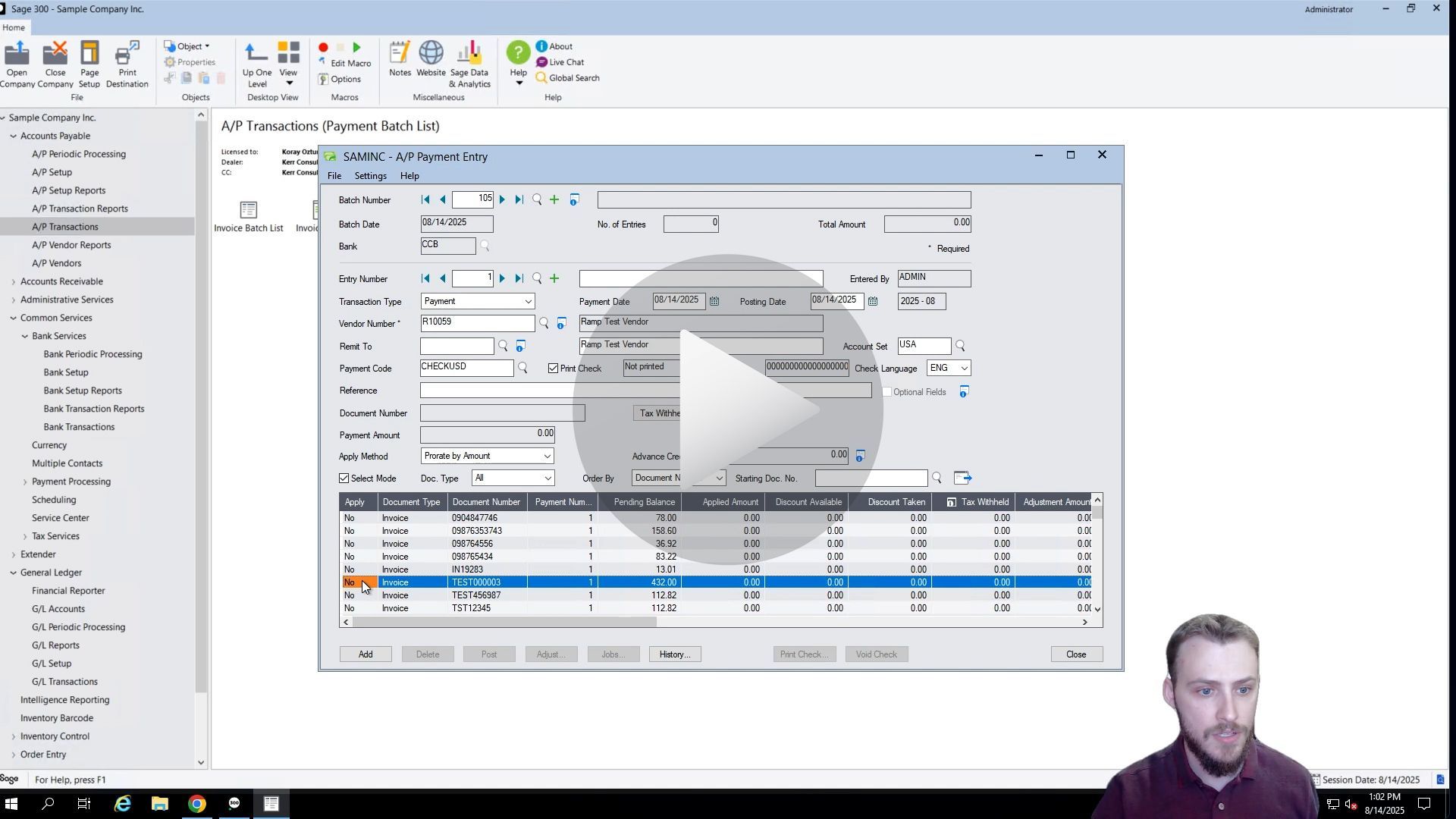
Man demonstrates Sage 300 ERP integration to Ramp Software - How to Sync Payments
By Brennen Herr October 16, 2025
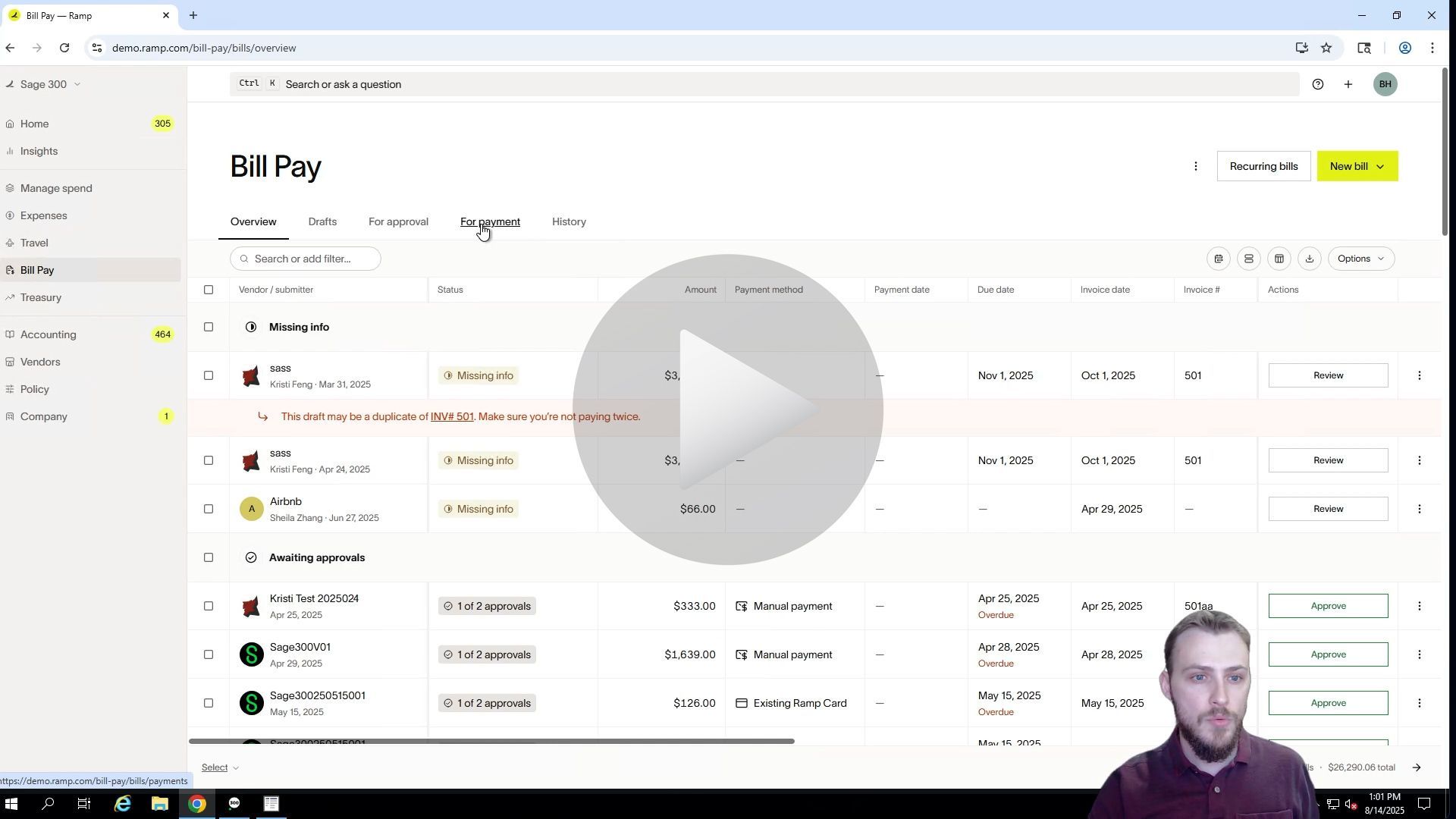
See how to make a payment in RAMP and automatically sync it to Sage 300 using the AnyWare Apps Connector. Simplify bill pay and eliminate manual entry with seamless integration.
Man looking at a computer screen displaying a software window; a form is open.
By Brennen Herr October 16, 2025
Learn how to create and sync optional fields from Sage 300 to RAMP using the AnyWare Apps Connector. Streamline your accounting workflow with seamless, real-time data integration.
Man demonstrates Sage 300 integration to Ramp Software - Process Manual Payments
By Brendan Herr September 8, 2025
How to Process Manual Payments in Sage 300 and RAMP Simultaneously via the AnyWare Apps Integration
Man demonstrates Sage 300 integration to Ramp Software - GL Accounts Sync
By Brennan Herr August 25, 2025
How to Edit a GL Account in Sage 300 and Sync Changes to RAMP with AnyWare Apps Connector
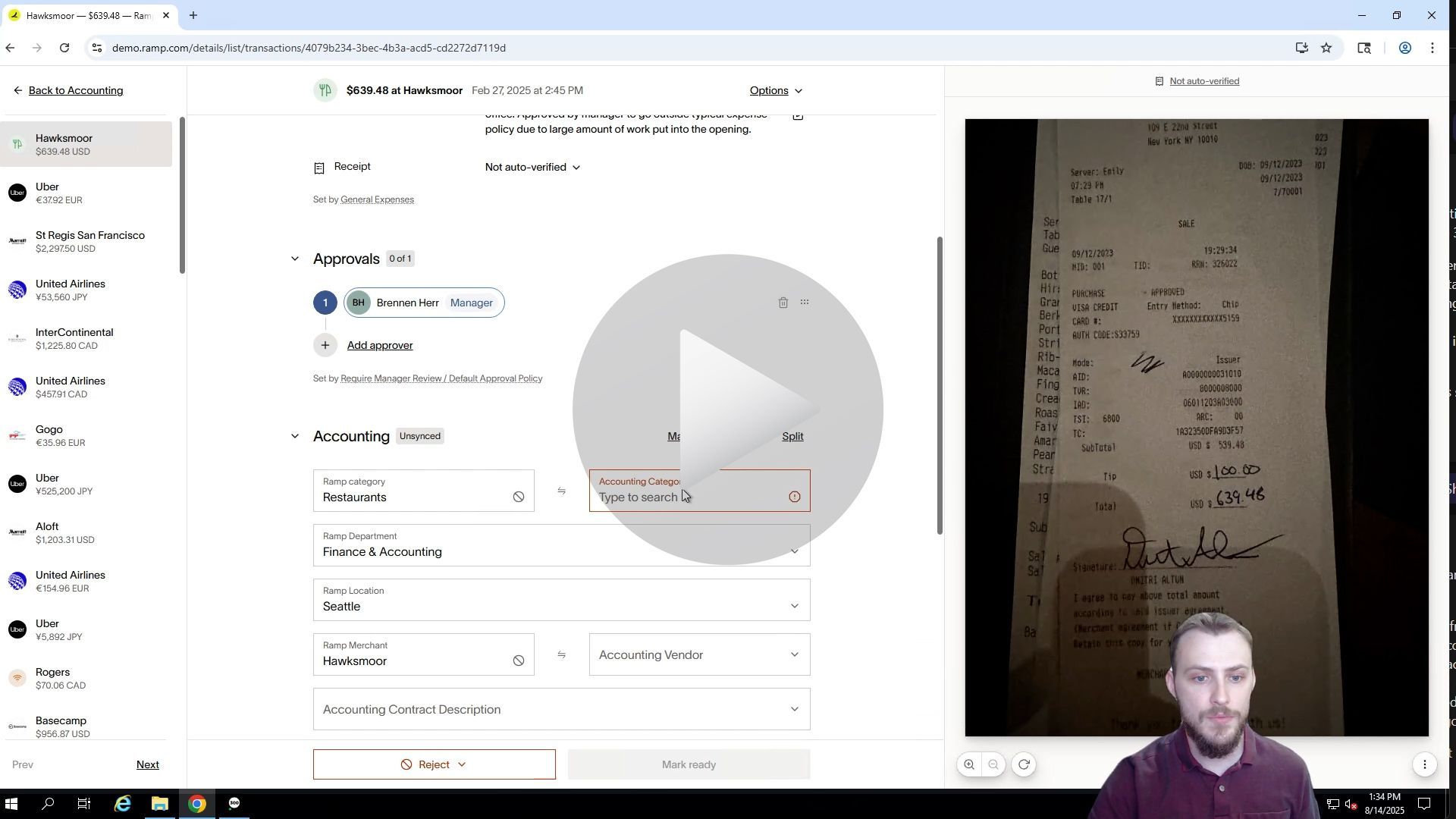
Screenshot of a web page with financial transaction information; a man in a black shirt appears in the lower right corner.
By Brennan Herr August 12, 2025
Sync RAMP credit card transactions to Sage 300 effortlessly with Anywhere Apps. Categorize and transfer expenses for accurate, automated financial management.
A man demonstrating software interface with data tables and input fields.
By Brennan Herr August 12, 2025
Simplify bill payments with RAMP and Sage 300 integration. Create, approve, and sync bills effortlessly using Anywhere Apps for accurate accounts payable.
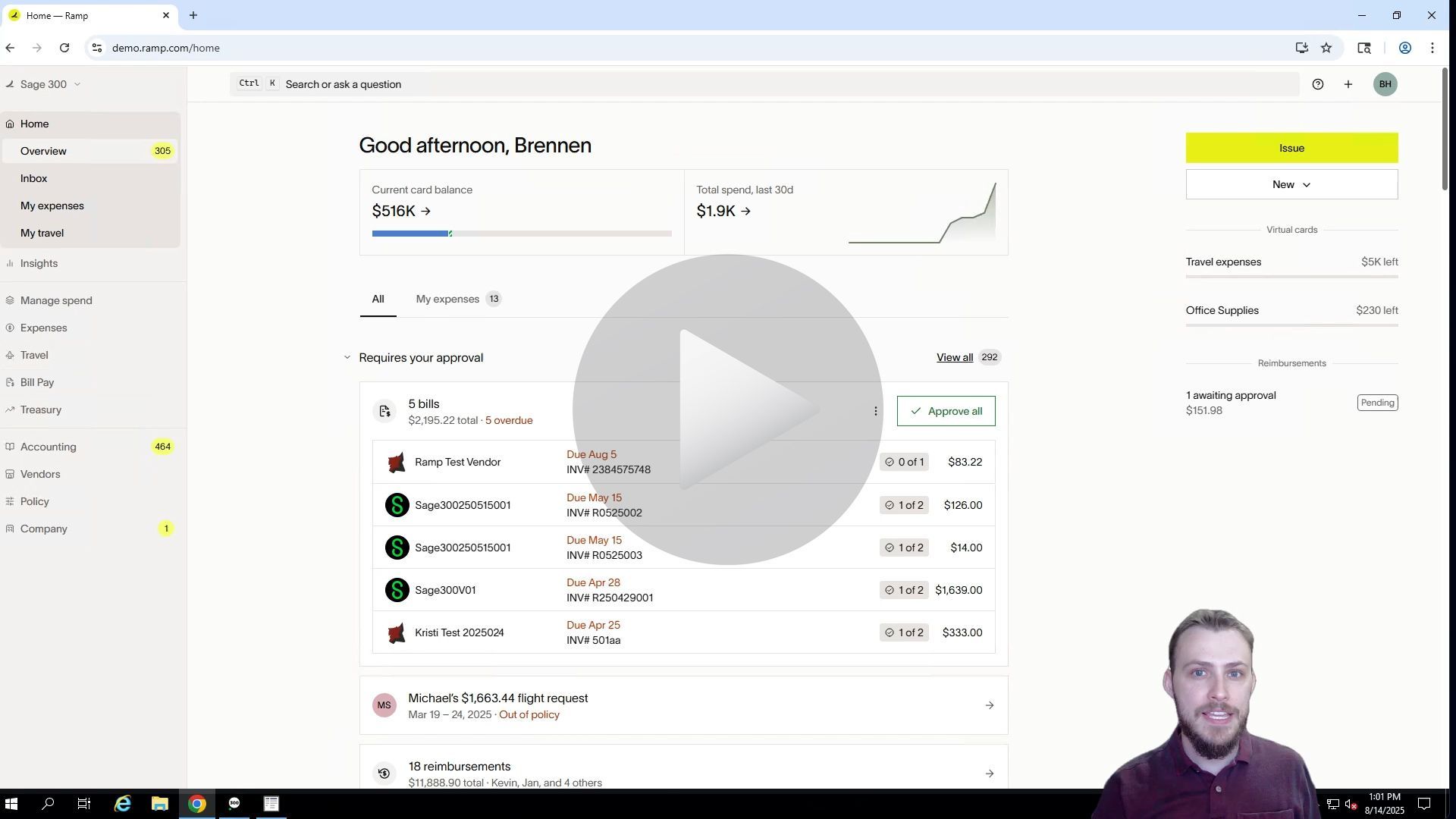
Man demonstrates Sage 300 ERP integration to Ramp Software - Add a Vendor
By Brennan Herr August 12, 2025
Streamline vendor management with RAMP and Sage 300 integration. Learn to create and sync vendors seamlessly using Anywhere Apps for efficient accounts payable.
ramp financial corporate credit card software integration to Sage 300 accounting ERP solution

Time is money.

Book your discovery call with AnyWare Apps

Sage 300 Discovery Request

Our Solution for Your Accounting

Our integration streamlines your financial workflows by directly integrating credit card transactions, employee reimbursements, and vendor invoices into your Sage system. This seamless connection...

Eliminates manual data entry, reduces errors, and ensures your books are always accurate and up to date

An icon image representing the integration between Ramp and Sage ERP

Learn More From AnyWare Apps

By Tarun Jakkaraju March 9, 2026
Organizations are always looking for ways to control spending and improve financial visibility, but one area that often receives less attention is how expense management systems affect tax reporting. Platforms like Ramp have gained traction because they help finance teams track expenses, enforce policies, and maintain clear documentation. When paired with the right accounting integration, those capabilities can also support stronger tax reporting processes.  Ramp’s approach to spend management provides organizations with better control over corporate card usage, vendor payments, and expense documentation. Every transaction captured in the platform includes detailed metadata such as receipts, merchant information, and categorization. These details can play an important role during tax preparation and financial audits, particularly when organizations need to verify deductible expenses or provide supporting documentation. However, the real operational value appears when this expense data flows directly into the accounting system where financial reporting and tax preparation ultimately take place.
February 27, 2026
At AnyWare Apps, we specialize in building seamless integrations that eliminate operational friction and give organizations complete confidence in their financial systems. When this nonprofit came to us, they were struggling with delayed credit card transaction data, third-party processing bottlenecks, and limited visibility into real-time spend. Their finance team was often one to two weeks behind, making proactive decision-making difficult. By developing a reliable, automated integration between Ramp and Sage Intacct, we helped consolidate their spend management into a single, streamlined ecosystem. Transactions now flow accurately and on time in the background, providing immediate visibility, stronger controls, and peace of mind. The result is more than just a technical integration—it’s a trusted financial infrastructure that leadership and staff alike recognize as a major organizational win. For mission-driven organizations especially, having systems that simply work is essential. That’s where AnyWare Apps comes in.
February 20, 2026
Creating a Bill & Syncing for Ramp to Sage 100 with AnyWare Apps Integration
February 20, 2026
Sage 100 User Guide: Syncing Credit Card Transactions for Ramp to Sage 100 with AnyWare Apps Integration
February 2, 2026
Sage 100 User Guide: Syncing Payments for Ramp to Sage 100 with AnyWare Apps Integration