How to Edit a GL Account in Sage 300 and Sync Changes to RAMP with AnyWare Apps Connector

Sage 300 User Guide: How to Edit a GL Account in Sage 300 and Sync Changes to RAMP with AnyWare Apps Connector

Maintaining accurate general ledger (GL) accounts is critical for seamless financial management. By integrating Sage 300 with RAMP through the Anywhere Apps connector, you can edit GL accounts in Sage 300 and see those changes reflected in RAMP effortlessly. This guide walks you through the process of updating a GL account in Sage 300 and verifying the sync in RAMP, optimizing your accounting workflow.

Step 1: Edit a GL Account in Sage 300

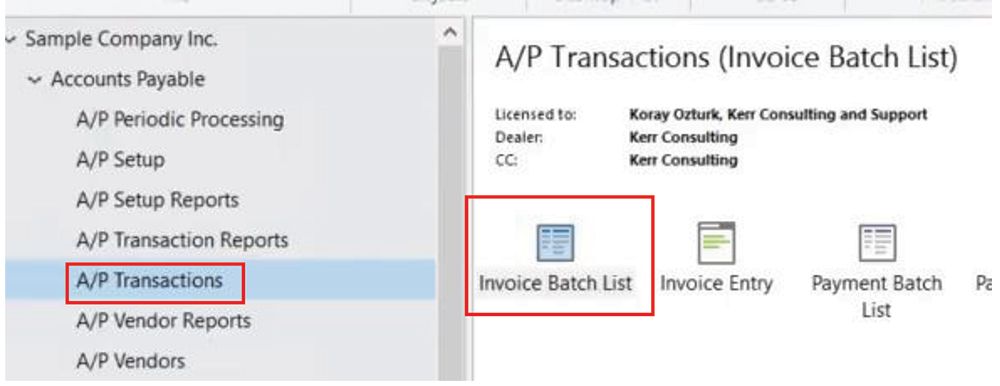
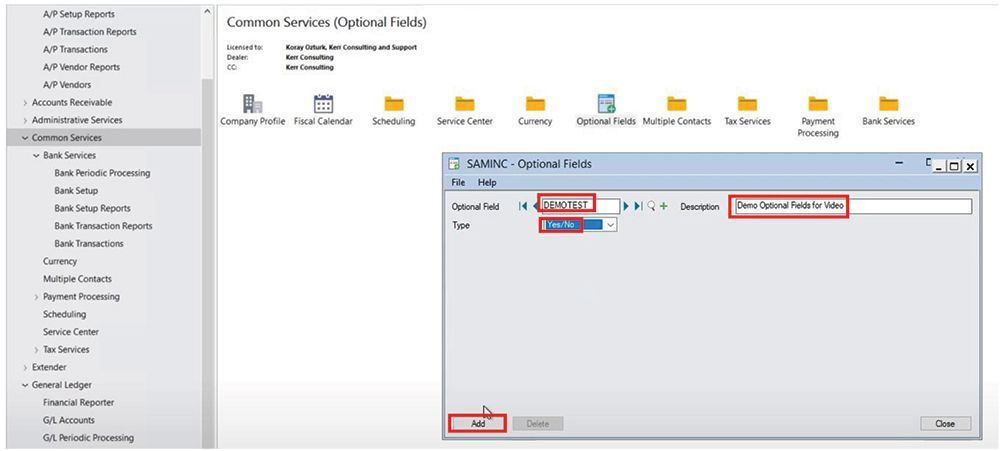
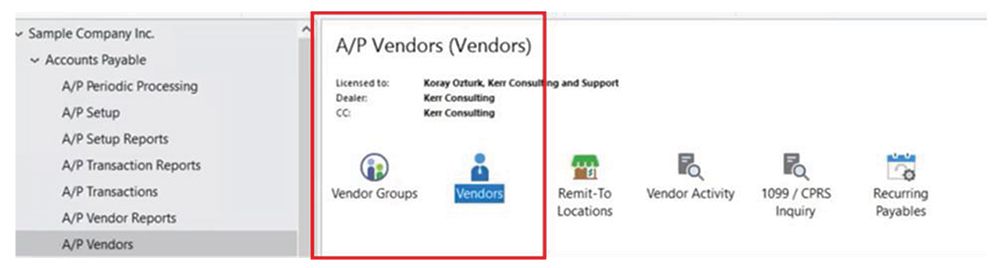
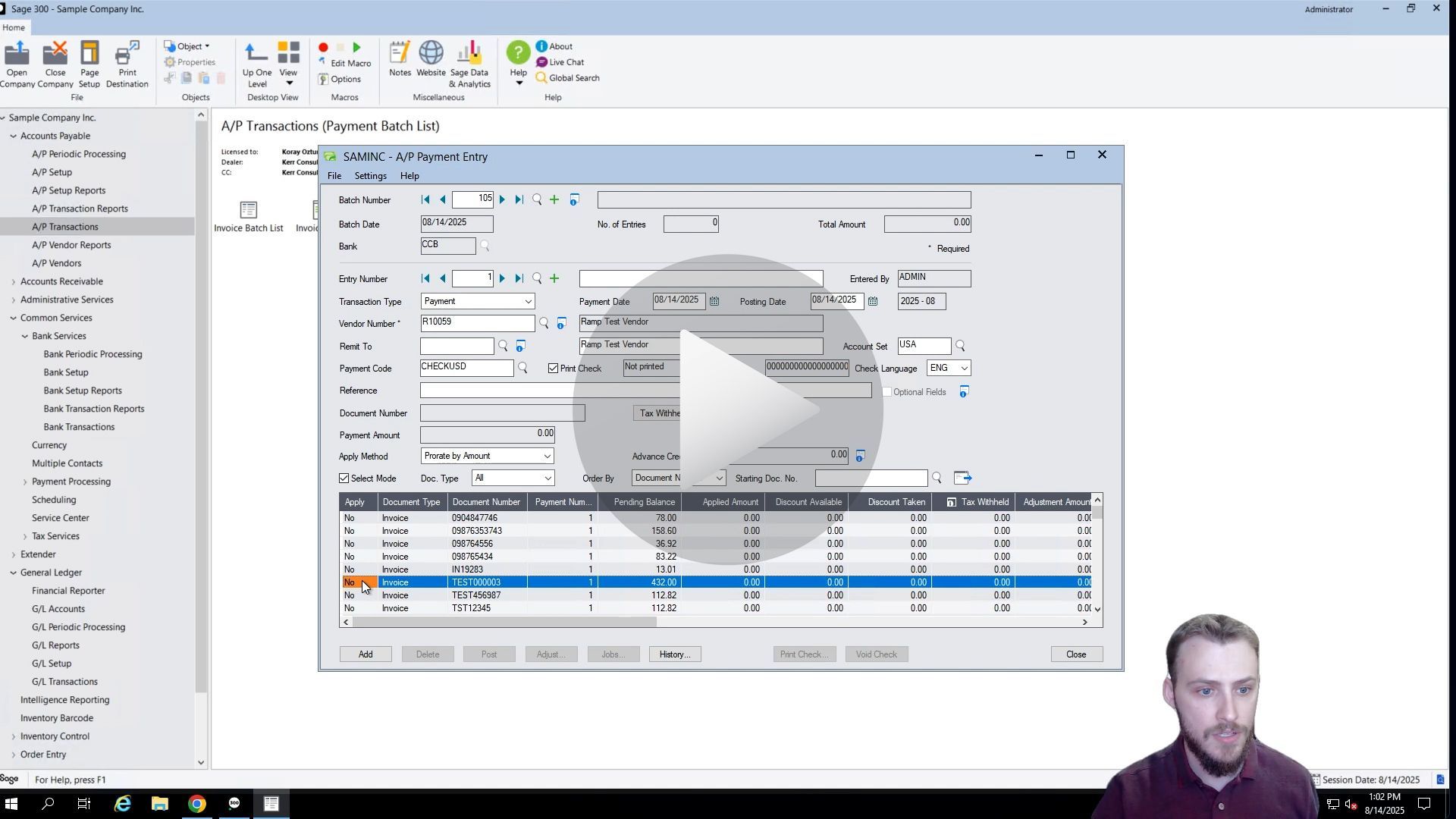
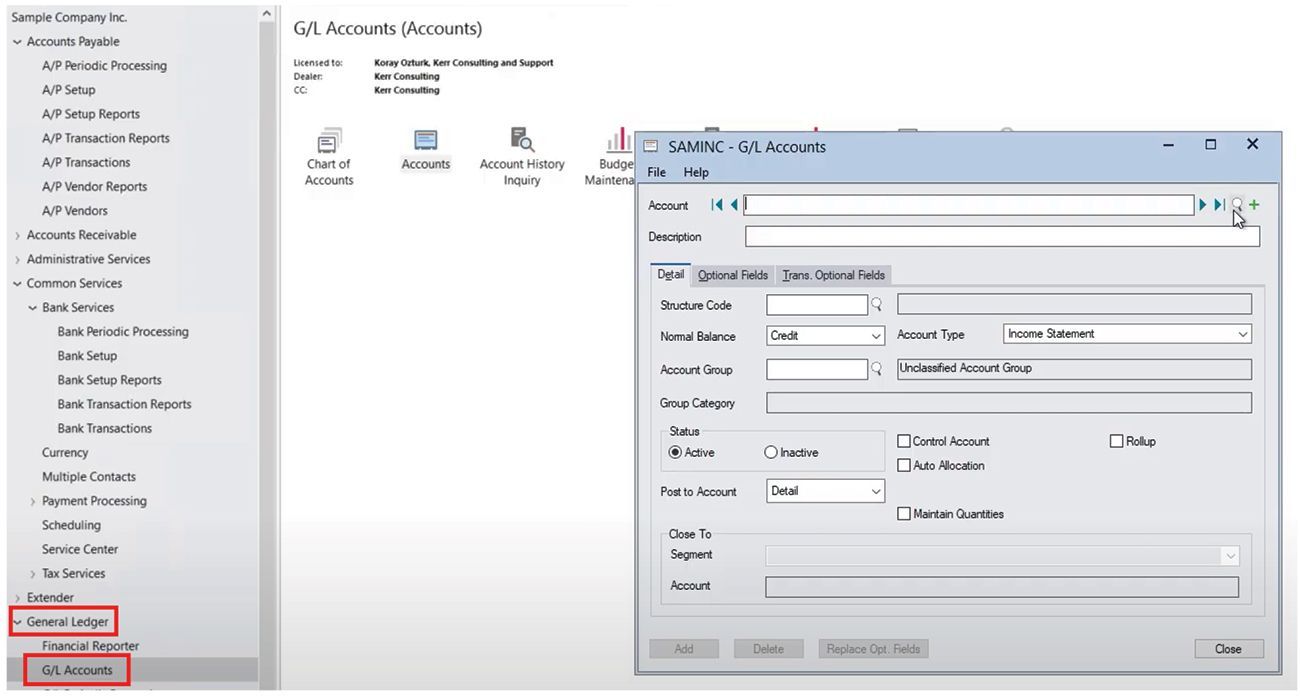
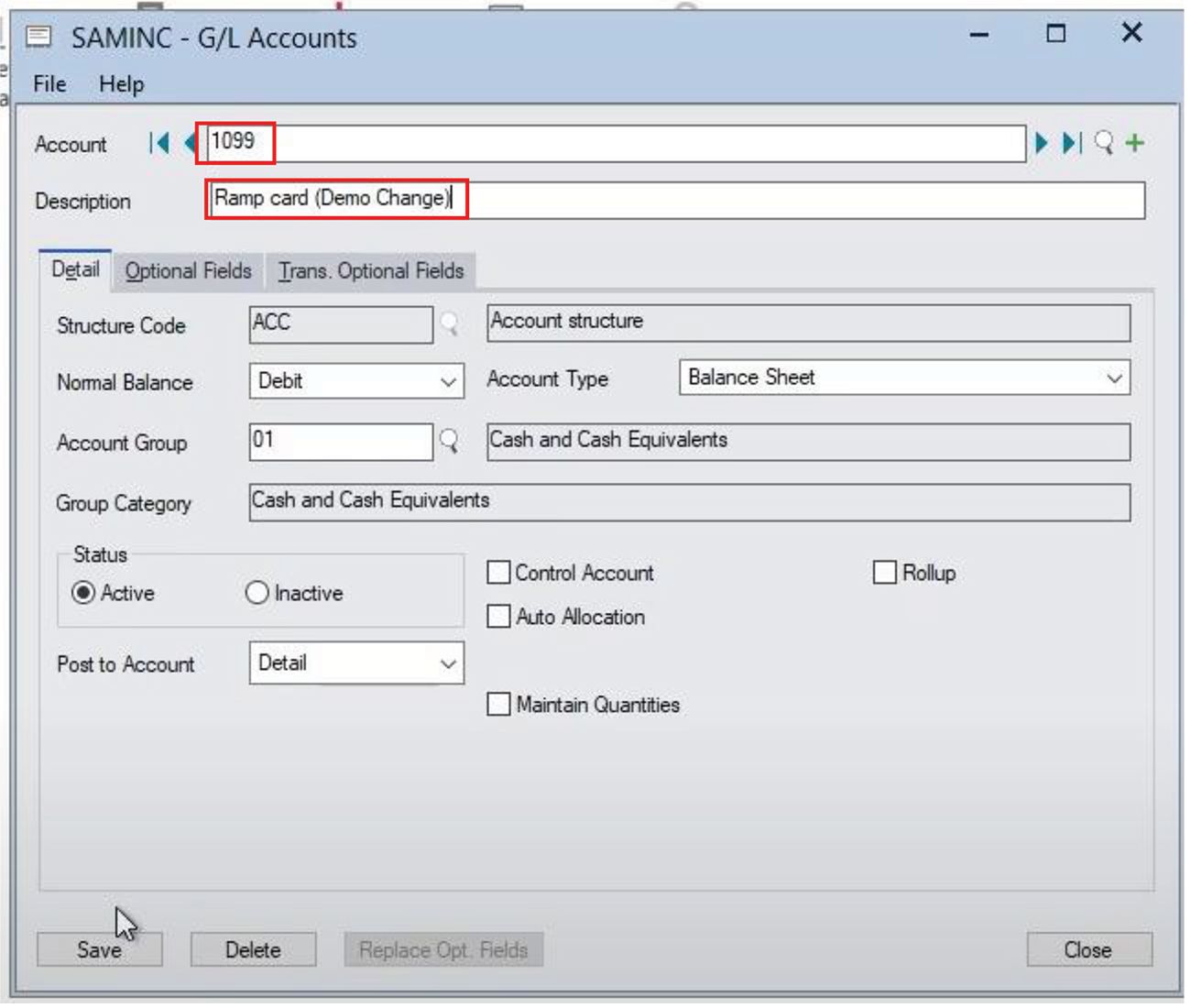
To begin, log into Sage 300 and navigate to the General Ledger section. From there, select GL Accounts to view your existing accounts. For this example, we’ll edit an existing GL account named “1099 RAMP Card.”

Open the account and update its description—let’s change it to “Demo Change” for clarity. Once the edit is complete, save the changes and close the account window. This simple update ensures your GL account reflects the desired details in Sage 300.
Step 2: Verify the GL Account Update in RAMP

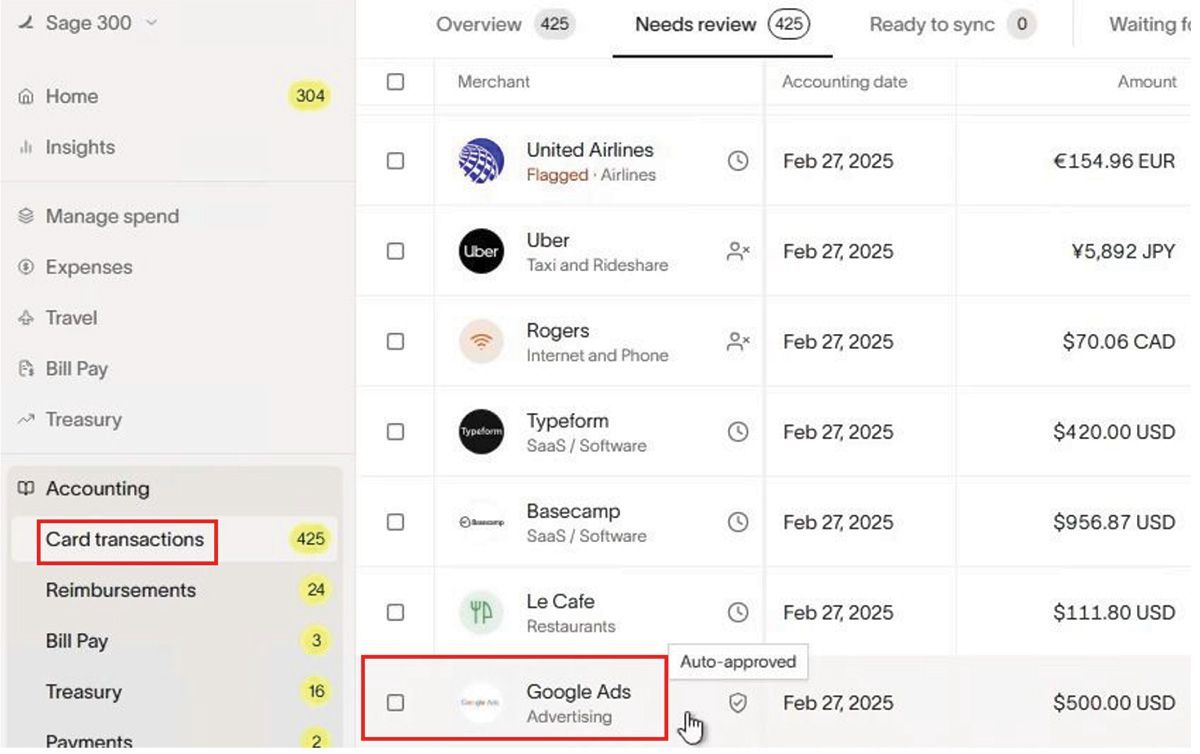
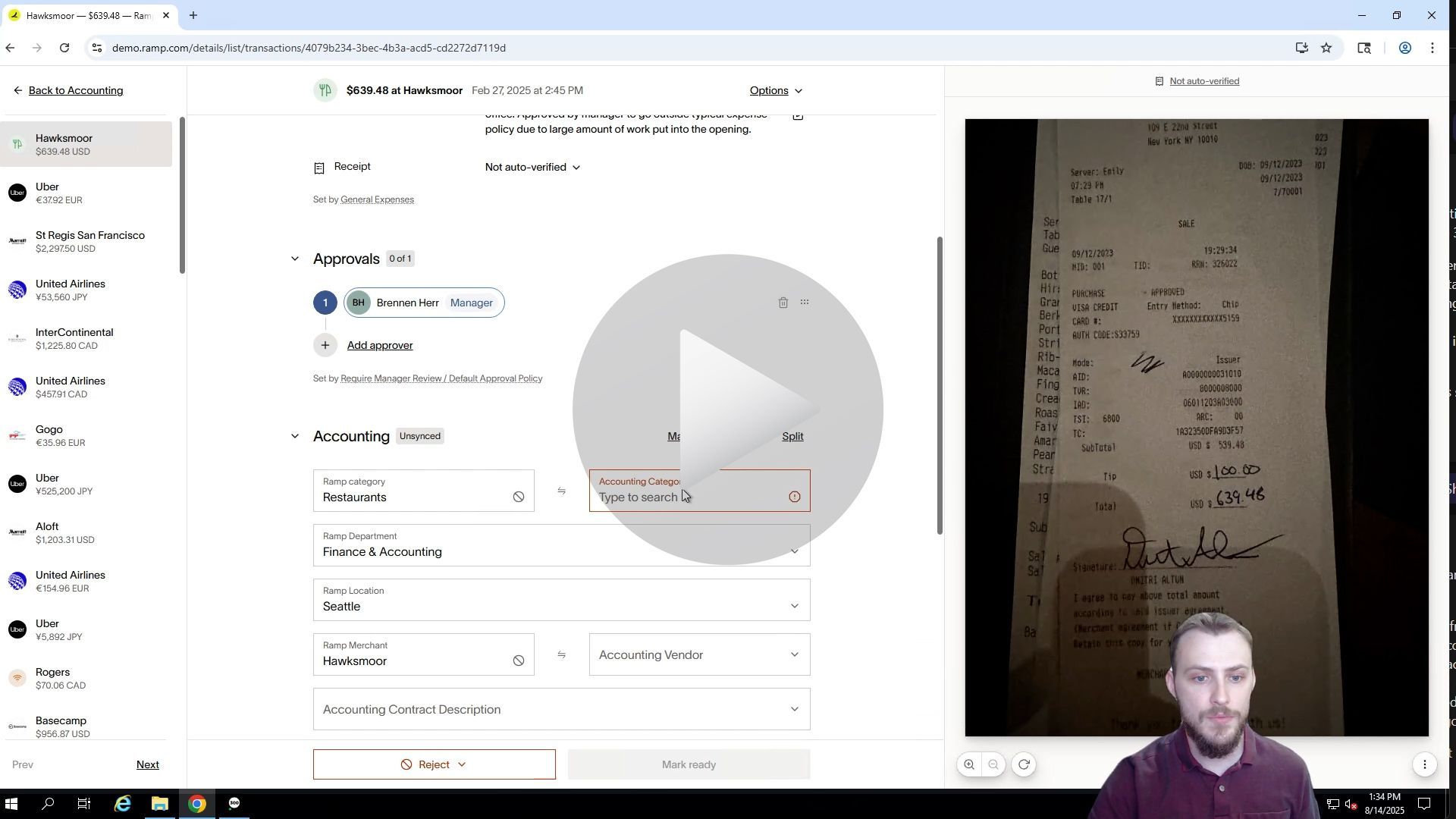
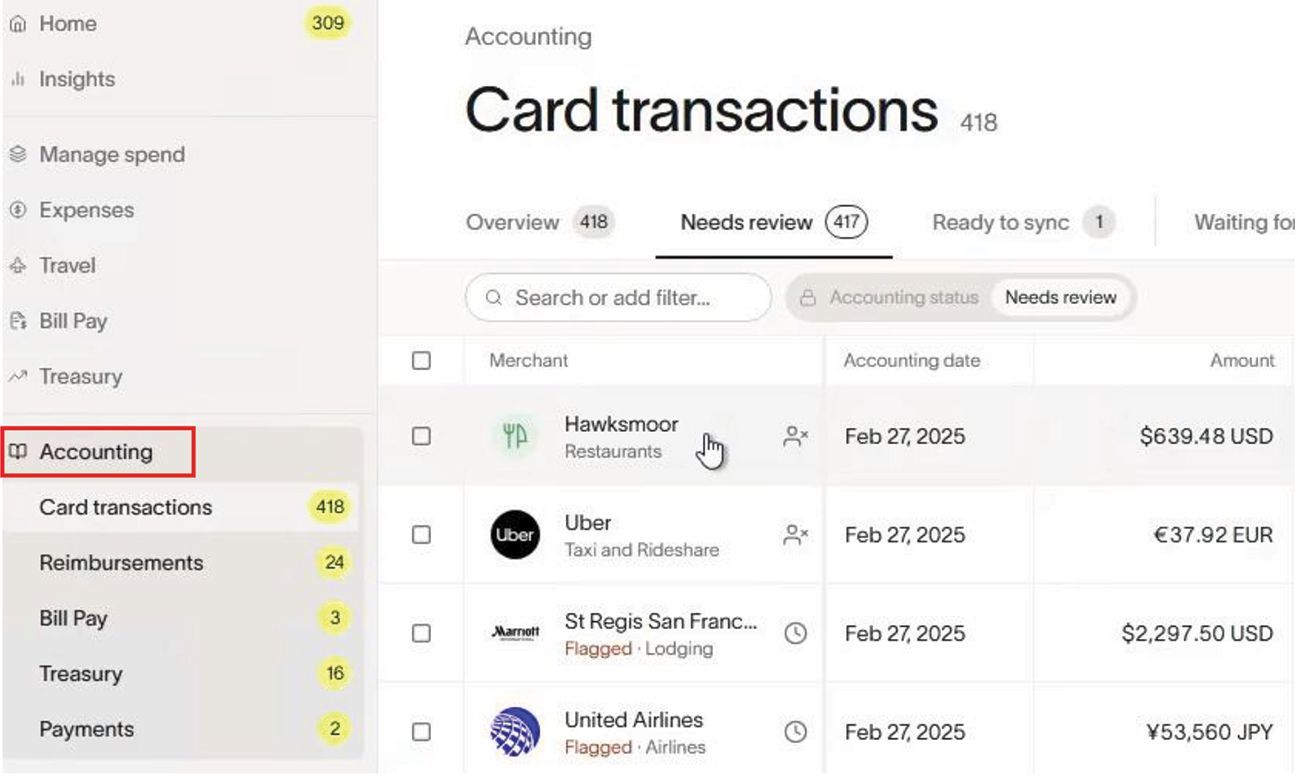
Next, head to the RAMP interface to confirm that the GL account update has synced correctly. Navigate to the Accounting section and select Card Transactions. Choose a transaction to review—in this case, we’ll pick the top one.
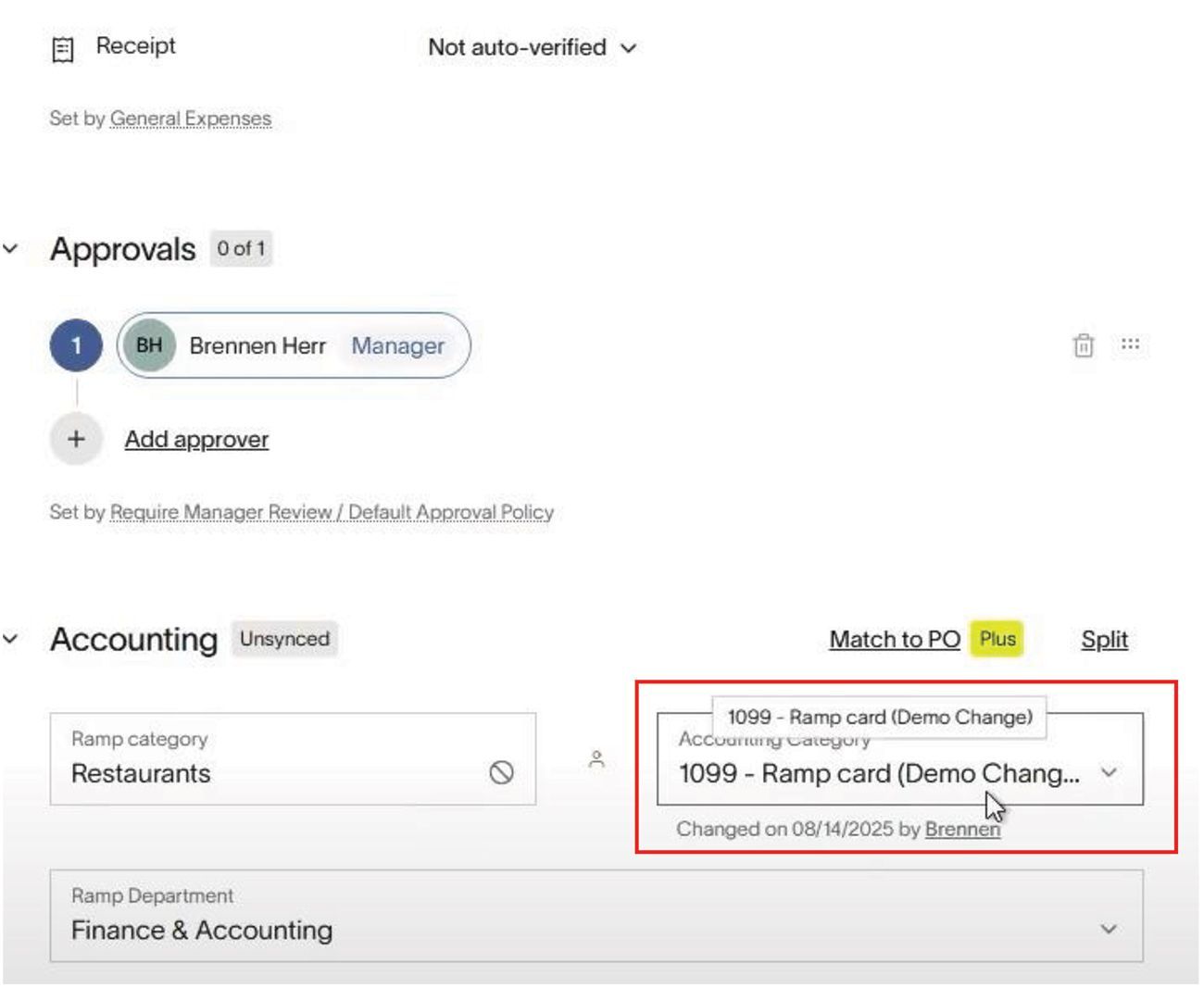
In the transaction details, you’ll see the available accounting categories, which correspond to the GL accounts in Sage 300. Search for the “1099 RAMP Card” account. You’ll notice that the description has updated to “Demo Change,” reflecting the edit made in Sage 300. This confirms that the Anywhere Apps connector successfully synced the updated GL account details to RAMP.
Benefits of Sage 300 and RAMP GL Account Integration

Integrating Sage 300 with RAMP for GL account management offers several advantages:

  • Seamless Syncing: Automatically reflect GL account updates from Sage 300 in RAMP, ensuring consistency.
  • Time Efficiency: Eliminate manual updates across platforms, streamlining your accounting processes.
  • Accuracy: Maintain accurate financial data with real-time syncing of GL account changes.
  • User-Friendly Workflow: Both Sage 300 and RAMP offer intuitive interfaces for easy account management.

Streamline Your GL Account Management Today

By leveraging the Sage 300 and RAMP integration through Anywhere Apps, businesses can ensure their GL accounts are always up to date across platforms. This powerful connection simplifies financial management, reduces errors, and boosts efficiency.

Start editing and syncing GL accounts between Sage 300 and RAMP today to optimize your accounting operations.

Articles 📑
December 29, 2025
Sage 300 User Guide: How to Create a Vendor in Ramp and Sync to Sage 300 ERP
December 29, 2025
Sage 300 User Guide: Create and sync a bill from Ramp spend management software to Sage 300 ERP via the AnyWare Apps connector
December 29, 2025
Sage 300 User Guide: How to Sync Ramp Credit Card Transactions to Sage 300 ERP Automatically with AnyWare Apps Integration
November 24, 2025
Sage 300 User Guide: How to Process Manual Payments in Sage 300 and RAMP Simultaneously via the AnyWare Apps Integration
November 13, 2025
Sage 300 User Guide: Syncing Optional Fields via the AnyWare Apps Integration
November 12, 2025
Sage 300 User Guide: Syncing Payments for Ramp to Sage 300 With AnyWare Apps Integration
November 12, 2025
Sage 300 User Guide: Creating Vendors in Sage 300 and Syncing to Ramp with AnyWare Apps Integration

Videos ▶️

Man demonstrating software with an open window displaying data entry fields.
By Brennen Herr October 16, 2025
Learn how to create a vendor in Sage 300 and automatically sync it to RAMP with the AnyWare Apps Connector. Simplify vendor management and keep systems in sync.
Man demonstrates Sage 300 ERP integration to Ramp Software - How to Sync Payments
By Brennen Herr October 16, 2025
See how to make a payment in RAMP and automatically sync it to Sage 300 using the AnyWare Apps Connector. Simplify bill pay and eliminate manual entry with seamless integration.
Man looking at a computer screen displaying a software window; a form is open.
By Brennen Herr October 16, 2025
Learn how to create and sync optional fields from Sage 300 to RAMP using the AnyWare Apps Connector. Streamline your accounting workflow with seamless, real-time data integration.
Man demonstrates Sage 300 integration to Ramp Software - Process Manual Payments
By Brendan Herr September 8, 2025
How to Process Manual Payments in Sage 300 and RAMP Simultaneously via the AnyWare Apps Integration
Man demonstrates Sage 300 integration to Ramp Software - GL Accounts Sync
By Brennan Herr August 25, 2025
How to Edit a GL Account in Sage 300 and Sync Changes to RAMP with AnyWare Apps Connector
Screenshot of a web page with financial transaction information; a man in a black shirt appears in the lower right corner.
By Brennan Herr August 12, 2025
Sync RAMP credit card transactions to Sage 300 effortlessly with Anywhere Apps. Categorize and transfer expenses for accurate, automated financial management.
A man demonstrating software interface with data tables and input fields.
By Brennan Herr August 12, 2025
Simplify bill payments with RAMP and Sage 300 integration. Create, approve, and sync bills effortlessly using Anywhere Apps for accurate accounts payable.
Man demonstrates Sage 300 ERP integration to Ramp Software - Add a Vendor
By Brennan Herr August 12, 2025
Streamline vendor management with RAMP and Sage 300 integration. Learn to create and sync vendors seamlessly using Anywhere Apps for efficient accounts payable.
ramp financial corporate credit card software integration to Sage 300 accounting ERP solution

Time is money.

Book your discovery call with AnyWare Apps

Sage 300 Discovery Request

Our Solution for Your Accounting

Our integration streamlines your financial workflows by directly integrating credit card transactions, employee reimbursements, and vendor invoices into your Sage system. This seamless connection...

Eliminates manual data entry, reduces errors, and ensures your books are always accurate and up to date
An icon image representing the integration between Ramp and Sage ERP

Learn More From AnyWare Apps

August 10, 2026
Integrated Sage ERP with your Credit Cards Closes the Gap
By Tarun Jakkaraju August 5, 2026
The Ramp to Sage 300 integration for Norwex rolled out in about six weeks. See what changed for credit cards, reimbursements and month end close with AnyWare Apps.
By Tarun Jakkaraju May 20, 2026
Learn how Ramp optimization for Sage Intacct improves workflows, automates accounting, and aligns transaction data using the AnyWare Apps integration.
April 20, 2026
AnyWare Apps is heading to Sage Future (April 28 - 30, 2026 in San Francisco), and we’re excited to connect with finance and operations leaders looking to simplify and modernize their workflows. If you’re attending, make sure to stop by Booth 327, where we’ll be co-hosting with our partners at Cherry Bekaert. At the event, we’ll be showcasing how organizations using Sage ERP systems can unlock greater efficiency with seamless integrations to Ramp. Managing spend shouldn’t be a fragmented process—yet for many teams, expenses, cards, approvals, and accounting still live in disconnected systems. That’s where we come in. AnyWare Apps specializes in building powerful, reliable integrations between Sage ERPs and modern financial tools like Ramp. By connecting these platforms, we help automate expense tracking, streamline reconciliation, and provide real-time visibility into company spend—all without adding complexity to your existing workflows. The result? Finance teams save time, reduce manual entry, and gain better control over their financial operations. Sharing the booth with Cherry Bekaert means you’ll also have access to deep expertise in advisory, assurance, tax, and digital transformation. Together, we bring both the technology and the strategic insight needed to help your organization scale smarter. Whether you’re already using Ramp, considering it, or simply looking to improve how your Sage ERP handles expenses and payments, we’d love to talk. Stop by Booth 327 to see a live demo, ask questions, and explore how integration can make your financial processes faster, cleaner, and more accurate. We’re looking forward to great conversations at Sage Future—see you there.
By Tarun Jakkaraju April 8, 2026
Mid-market businesses rely on ERP systems to run their operations, yet many still struggle with manual data entry and disconnected systems. These inefficiencies slow teams down, introduce errors, and make growth more expensive than it needs to be. API-driven ERP integrations are changing that reality. Instead of relying on spreadsheets and manual handoffs, modern integrations allow systems to exchange data automatically and in real time—creating faster, more accurate, and more scalable workflows. Why API-Driven Integration Matters Manual ERP processes often consume 10–15 hours per week per employee and significantly increase the risk of data errors. API-based connectors eliminate this friction by enabling: Real-time ERP data synchronization Fewer manual errors and rework Faster financial close cycles Scalable workflows without added headcount For mid-market organizations, this shift delivers enterprise-level efficiency without enterprise-level complexity. The Role of RAMP and AnyWare Apps RAMP provides the integration foundation that connects ERP systems through secure APIs, streamlining workflows and maintaining data accuracy across platforms. AnyWare Apps builds and delivers ERP-focused, API-driven integration solutions that help businesses move from manual chaos to seamless sync. Our approach emphasizes automation, reliability, and measurable ROI—positioning AnyWare Apps as a trusted leader in ERP integration and workflow automation. To estimate potential savings, businesses can use the RAMP Integration ROI Calculator: https://ramp.anywareapps.com/integration-roi-calculator The Bottom Line API-driven integrations are transforming mid-market ERP workflows by replacing manual effort with automation. With RAMP and AnyWare Apps, organizations gain efficiency, accuracy, and scalability—turning ERP integration into a strategic advantage.
March 16, 2026
By implementing Ramp and integrating it directly with Sage 100 through AnyWare Apps, Acme Barricades transformed a slow, manual workflow into an automated process.