How to Sync Payments for Ramp to Sage 100

Sage 100 User Guide: Syncing Payments for Ramp to Sage 100 with AnyWare Apps Integration

Keeping your payments in sync across systems is critical for accurate accounting. In this guide, we’ll show how to sync a payment from RAMP into Sage 100 using the AnyWare Apps connector.

Step 1: Identify the Payment in RAMP

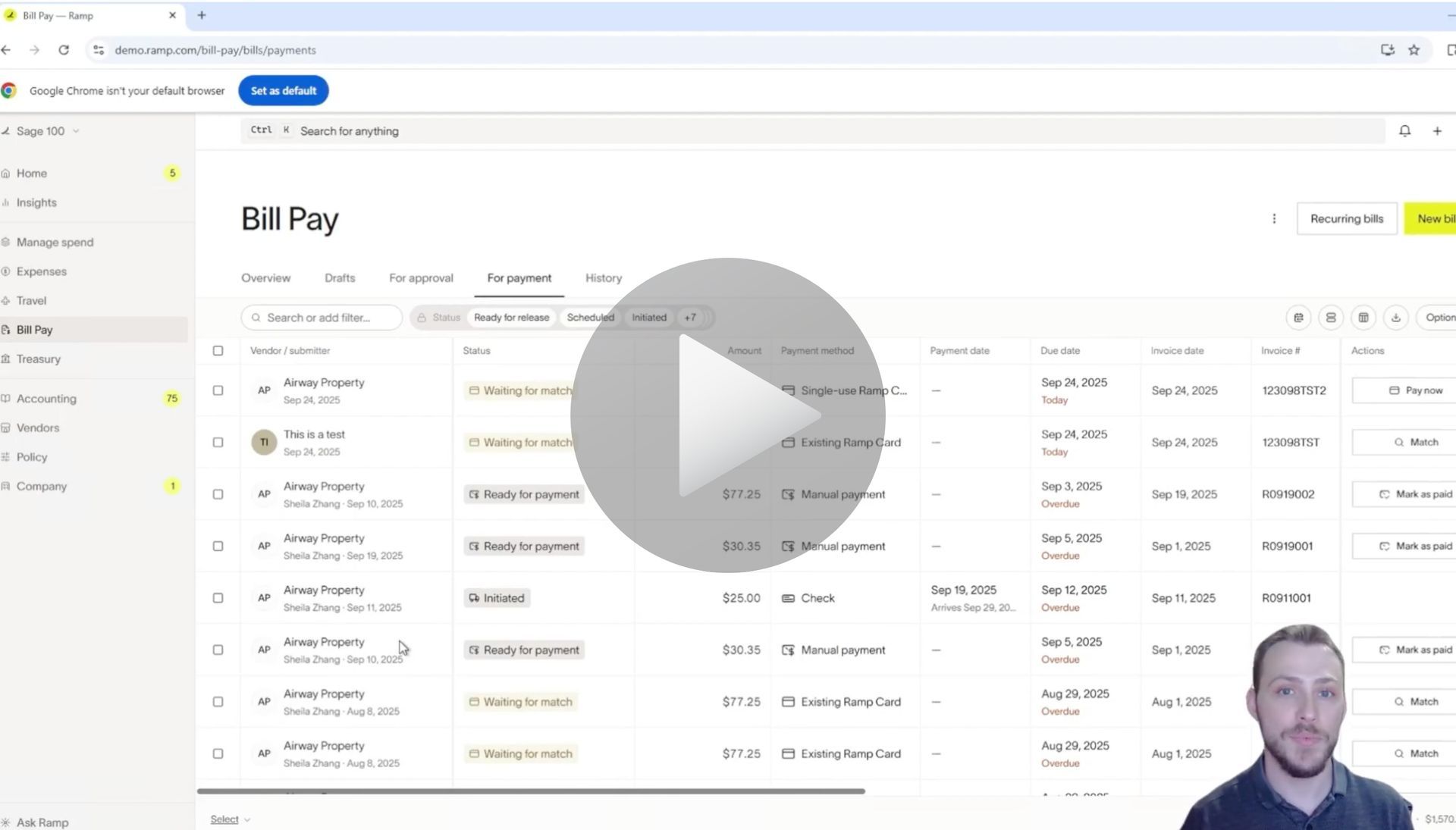
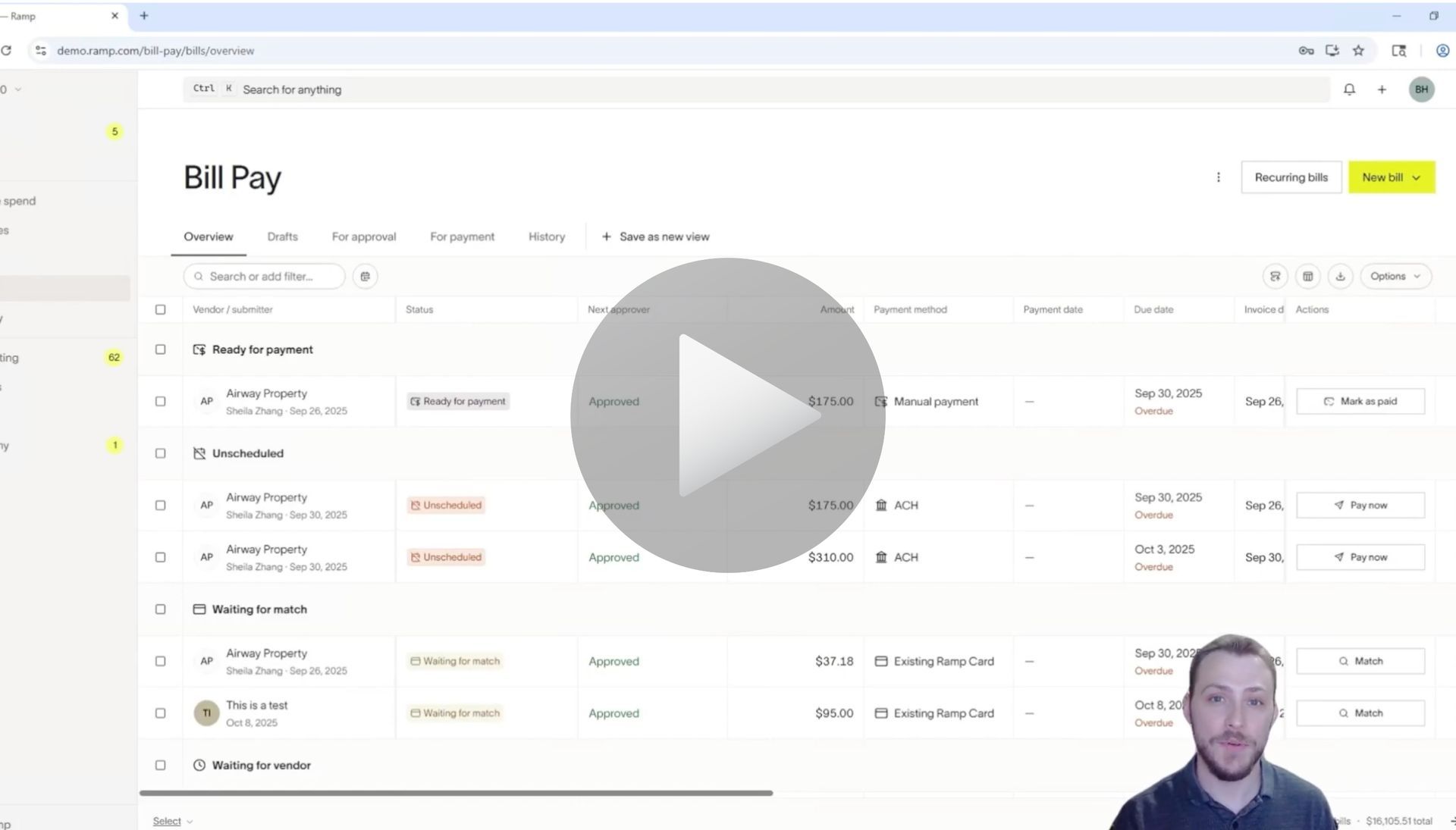
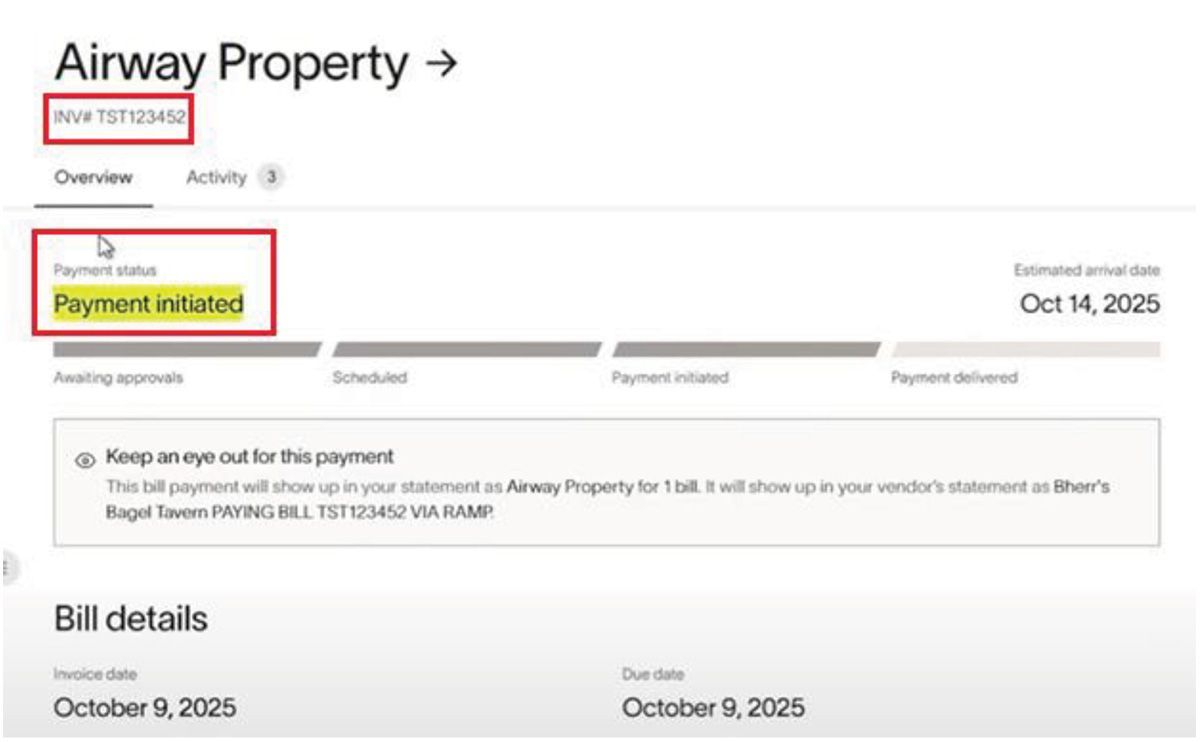
Start in RAMP by locating the bill you want to sync.
1. Take note of the Invoice Number — in this example, TST123452.

2. Confirm the payment status shows Payment Initiated.
Sage 100 to Ramp Integration User Guide Documentation

Step 2: Sync the Payment to Sage 100

Next, switch to Sage 100:
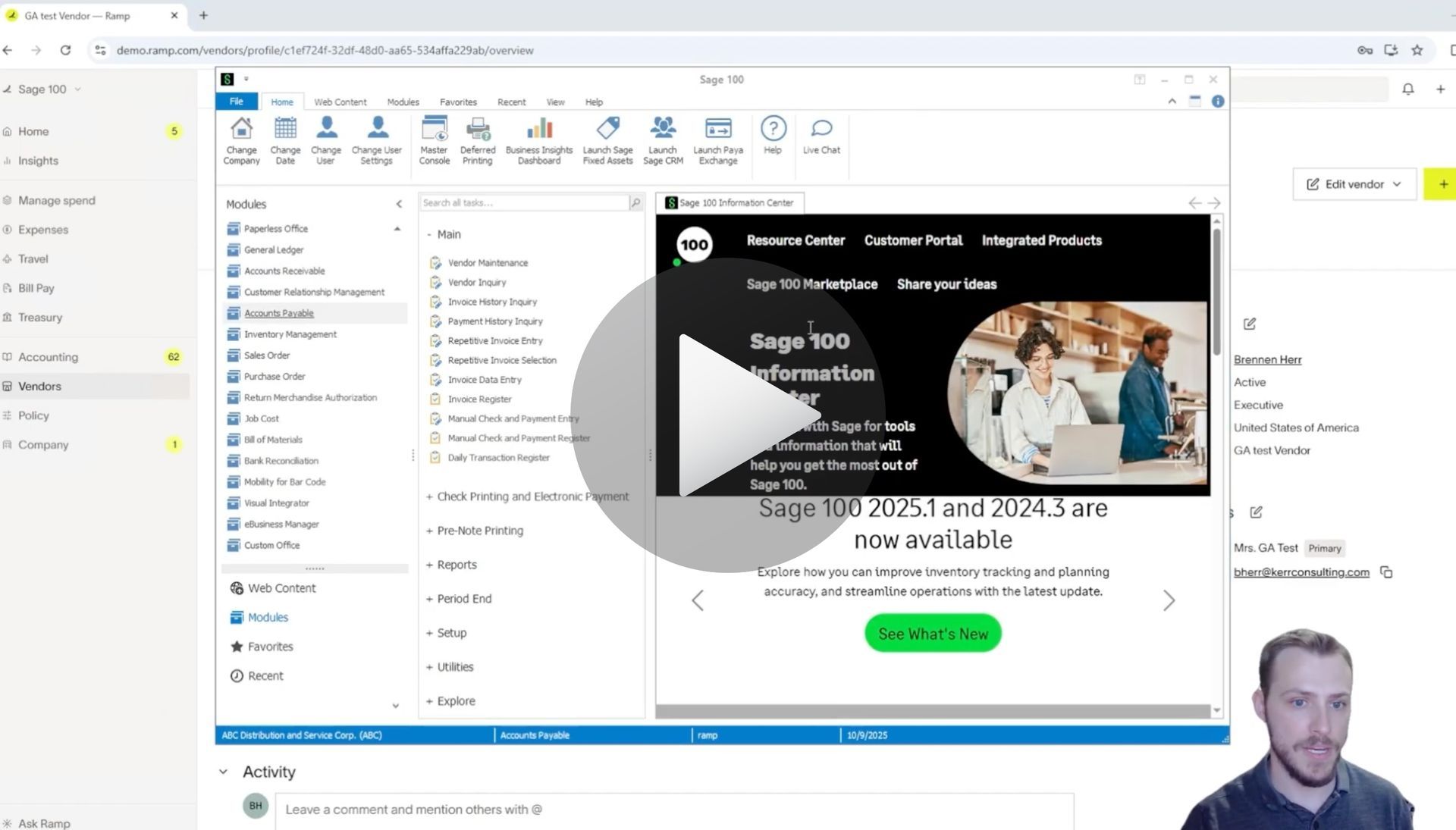
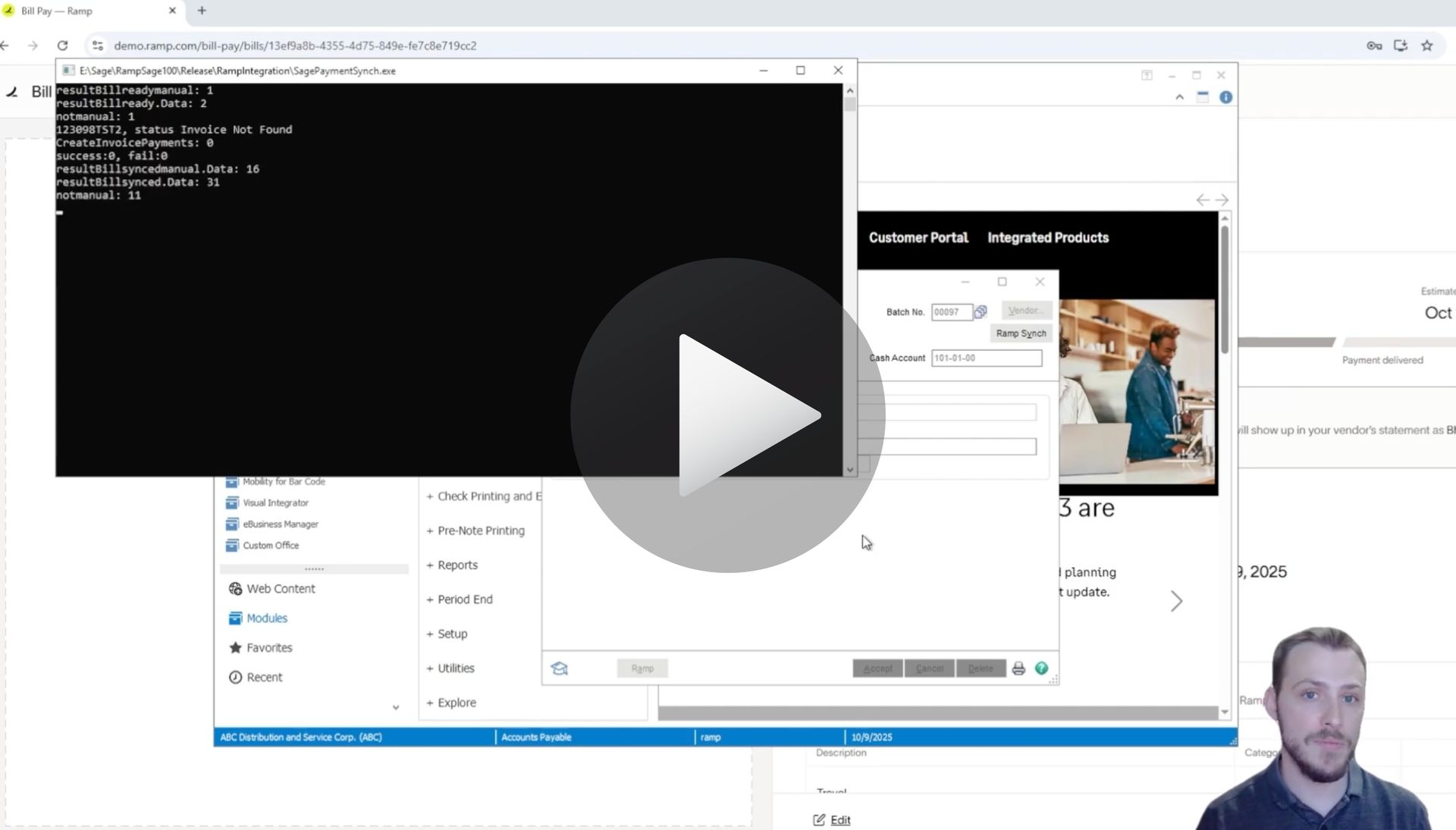
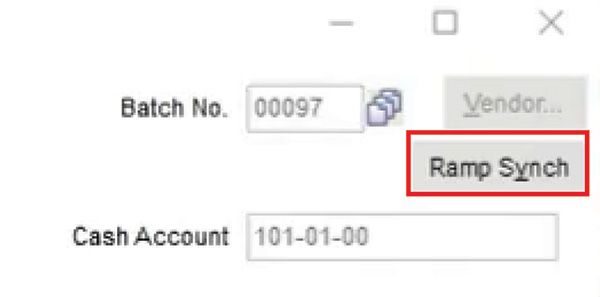
1. Navigate to the RAMP Sync function.

2. Trigger a manual sync to transfer the payment.

  • The integration normally runs automatically on a scheduled basis.
  • A manual sync is available if you need the payment reflected immediately.
Sage 100 to Ramp Integration User Guide Documentation

Step 3: Verify the Payment in Sage 100

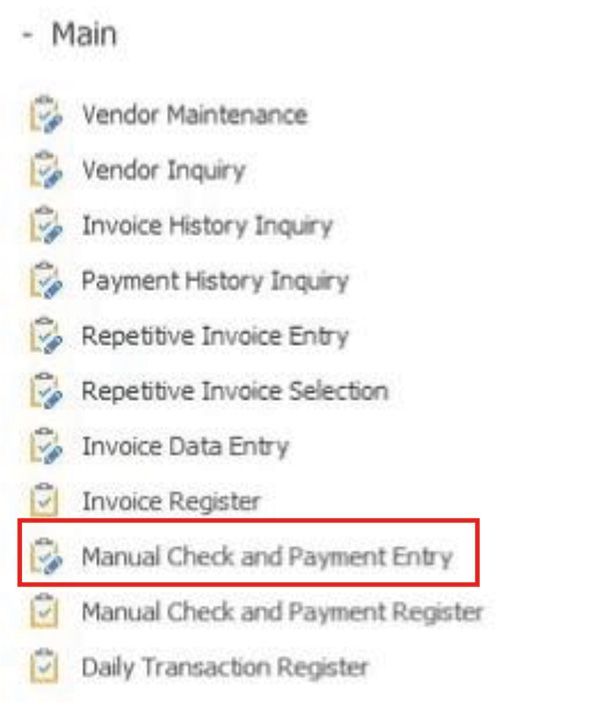
1. Pull up the relevant batch in Sage 100.
Sage 100 to Ramp Integration User Guide Documentation

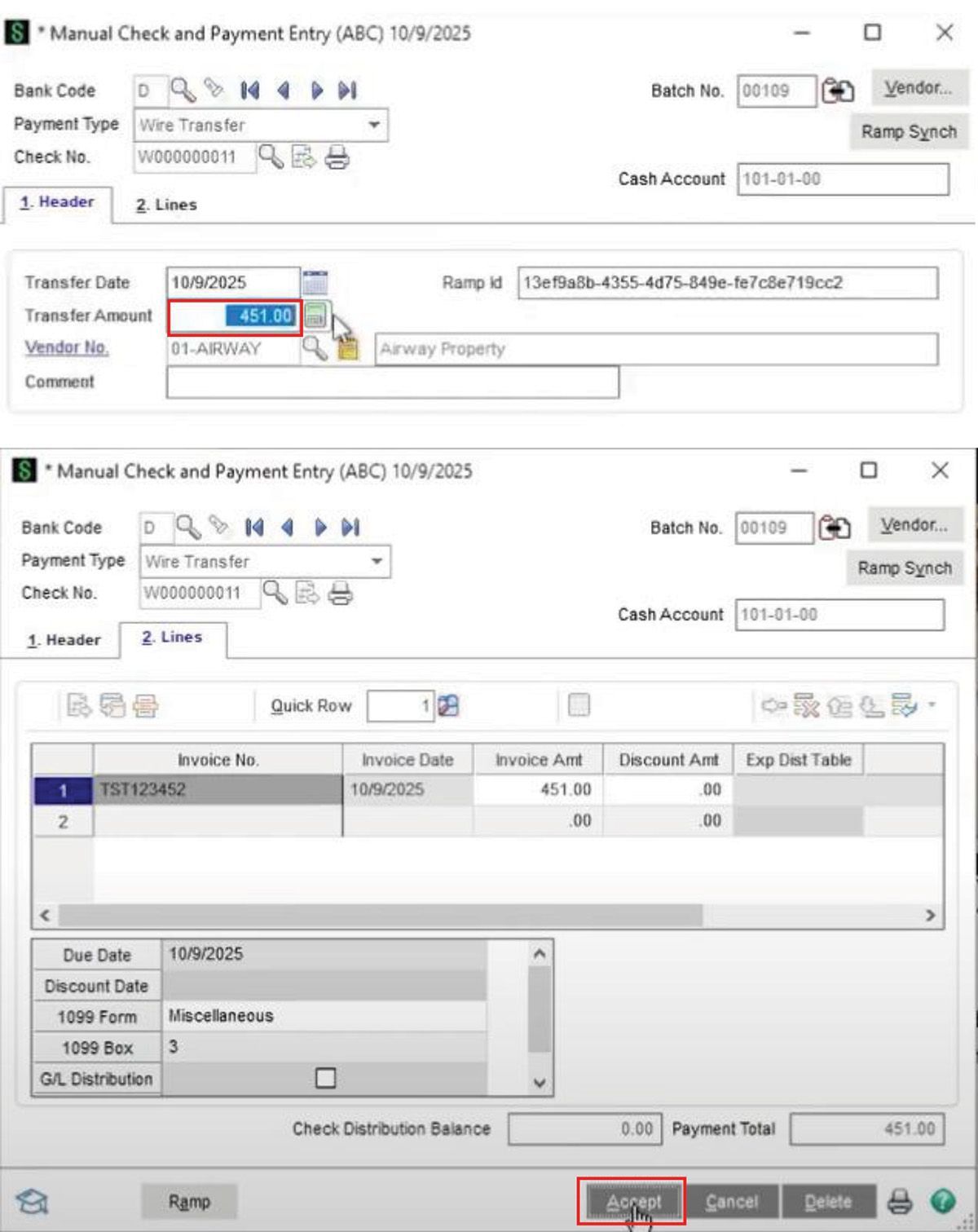
2. Open the payment to verify details — in this example, $451 from Airway Property with invoice number TST123452.


3. The payment is now fully synced and visible in Sage 100.
Sage 100 to Ramp Integration User Guide Documentation

Why This Matters

With AnyWare Apps:

  • Automatic syncing reduces manual data entry.
  • Payments are accurately reflected across systems.
  • Finance teams save time and can focus on approvals and reconciliation instead of duplicate entry.


This workflow ensures that your payments from RAMP are accurately tracked and accounted for in Sage 100, keeping your finance operations smooth and reliable.

Articles 📑

February 2, 2026
Sage 100 User Guide: Syncing Reimbursements for Ramp to Sage 100 with AnyWare Apps Integration
February 2, 2026
User Guide
February 2, 2026
Sage 100 User Guide: Creating & Syncing a Vendor for Ramp to Sage 100 with AnyWare Apps Integration
December 29, 2025
Sage 300 User Guide: How to Create a Vendor in Ramp and Sync to Sage 300 ERP
December 29, 2025
Sage 300 User Guide: Create and sync a bill from Ramp spend management software to Sage 300 ERP via the AnyWare Apps connector
December 29, 2025
Sage 300 User Guide: How to Sync Ramp Credit Card Transactions to Sage 300 ERP Automatically with AnyWare Apps Integration
November 24, 2025
Sage 300 User Guide: How to Edit a GL Account in Sage 300 and Sync Changes to RAMP with AnyWare Apps Connector
November 24, 2025
Sage 300 User Guide: How to Process Manual Payments in Sage 300 and RAMP Simultaneously via the AnyWare Apps Integration
November 13, 2025
Sage 300 User Guide: Syncing Optional Fields via the AnyWare Apps Integration
November 12, 2025
Sage 300 User Guide: Syncing Payments for Ramp to Sage 300 With AnyWare Apps Integration
November 12, 2025
Sage 300 User Guide: Creating Vendors in Sage 300 and Syncing to Ramp with AnyWare Apps Integration
November 3, 2025
User Guide

Videos ▶️

How to create and sync vendors for Ramp to Sage 100
By Brennen Herr November 4, 2025
Learn how to create and sync vendors for Ramp to Sage 100 with AnyWare Apps integration.
How to Sync Reimbursements for Ramp to Sage 100 with AnyWare Apps Integration
By Brennen Herr November 4, 2025
Learn how to sync reimbursements for Ramp to Sage 100 with AnyWare Apps integration.
How to Sync Payments for Ramp to Sage 100 with AnyWare Apps
By Brennen Herr November 4, 2025
Learn how to sync payments for Ramp to Sage 100 with AnyWare Apps integration
By Brennen Herr November 4, 2025
Syncing Credit Card Transactions for Ramp to Sage 100 with AnyWare Apps Integration
Creating a bill and syncing for Ramp to Sage 100
By Brennen Herr November 4, 2025
Learn how to createa bill and sync for Ramp to Sage 100 with AnyWare Apps integration.
Syncing GL Account for Ramp to Sage 100
By Brennen Herr November 4, 2025
Learn how to create and sync GL Accounts from Ramp to Sage 100 with AnyWare Apps.
ramp financial corporate credit card software integration to Sage 300 accounting ERP solution

Time is money.

Book your discovery call with AnyWare Apps

Sage 300 Discovery Request

Our Solution for Your Accounting

Our integration streamlines your financial workflows by directly integrating credit card transactions, employee reimbursements, and vendor invoices into your Sage system. This seamless connection...

Eliminates manual data entry, reduces errors, and ensures your books are always accurate and up to date
An icon image representing the integration between Ramp and Sage ERP

Learn More From AnyWare Apps

February 2, 2026
Sage 100 User Guide: Syncing Reimbursements for Ramp to Sage 100 with AnyWare Apps Integration
February 2, 2026
User Guide
February 2, 2026
Sage 100 User Guide: Creating & Syncing a Vendor for Ramp to Sage 100 with AnyWare Apps Integration
December 29, 2025
Sage 300 User Guide: How to Create a Vendor in Ramp and Sync to Sage 300 ERP
December 29, 2025
Sage 300 User Guide: Create and sync a bill from Ramp spend management software to Sage 300 ERP via the AnyWare Apps connector
December 29, 2025
Sage 300 User Guide: How to Sync Ramp Credit Card Transactions to Sage 300 ERP Automatically with AnyWare Apps Integration